Reference Readings
At times it is useful to find out information about the traffic on your network. You may want to:
- See what websites users are visiting
- Identify top network users
- View statistics about the type of network traffic on your network
- Troubleshoot network problems
Just to name a few. The UAP Gateway and Server comes with a very advanced network traffic monitoring system. It can be accessed at http://traffic.uapcommunity.gov.vu:3000/ using the supervisor login credentials. The home page will show some live current top users as shown below.
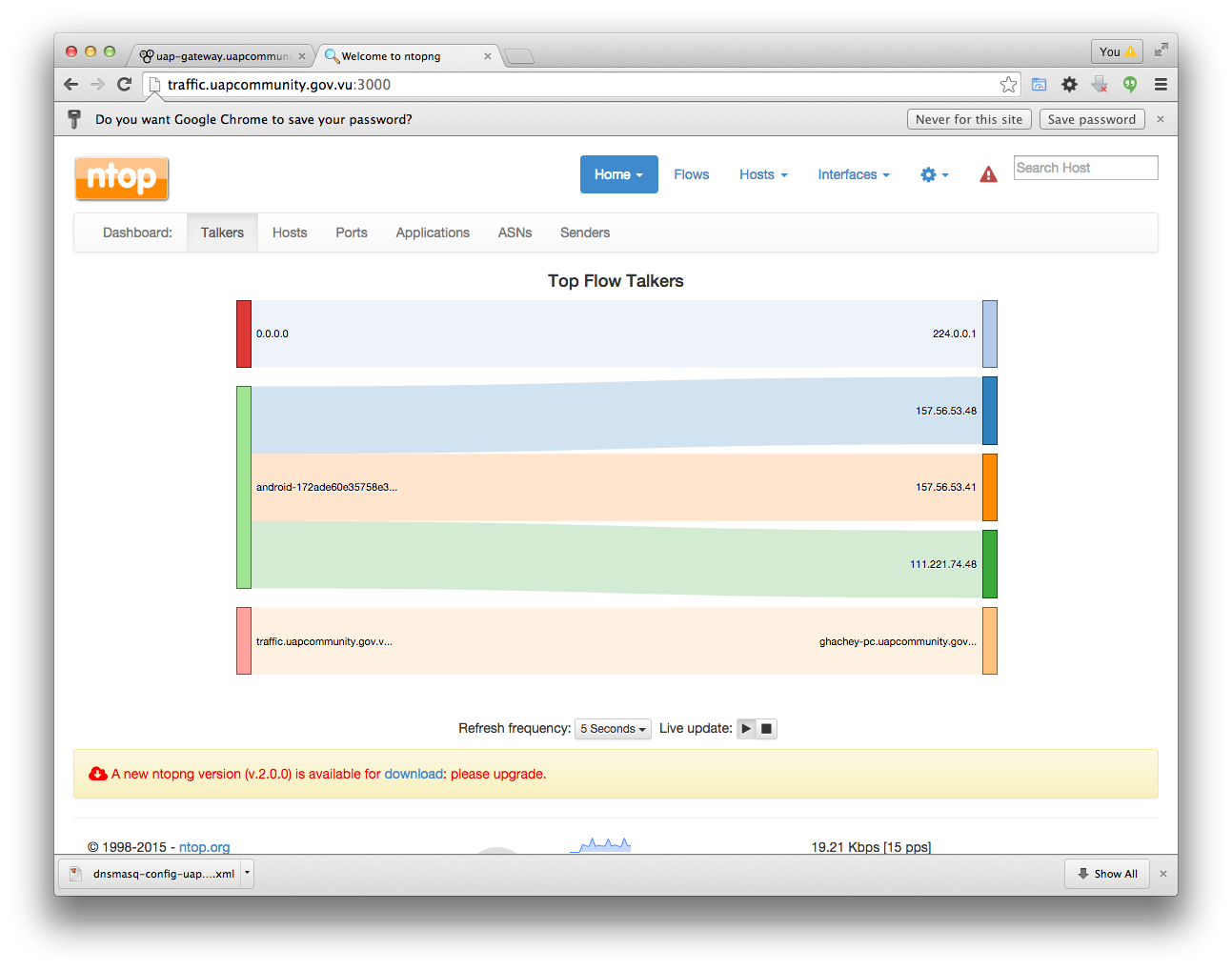
This tool can provide some detailed and also advanced traffic information. Some you will only understand with deep networking knowledge but some that could be useful even to people without networking expertise. For example, if you click on the top menu Hosts -> Hosts List you will get a list of all the devices on the network with some information such as their current bandwidth usage, amount of traffic downloaded and uploaded, etc. Reading the number, especially the units such as bps, Kbps, Mbps, etc. takes a little extra learning. Wikipedia is always a good start
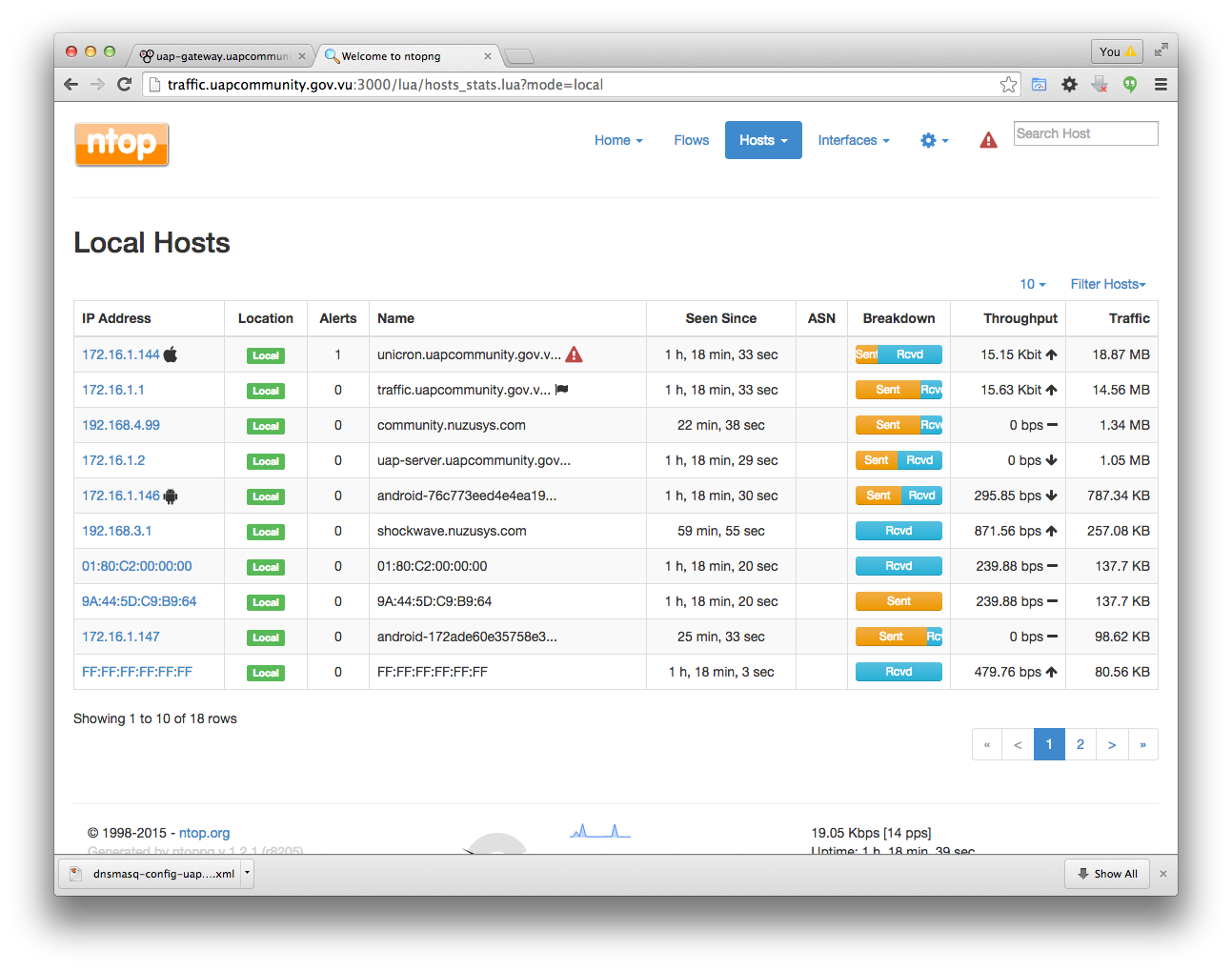
The last to columns of the above screenshot (i.e. Throughput and Traffic) will tell you who are the top users. You can then click on those users to see more details about their traffic.